
Connect
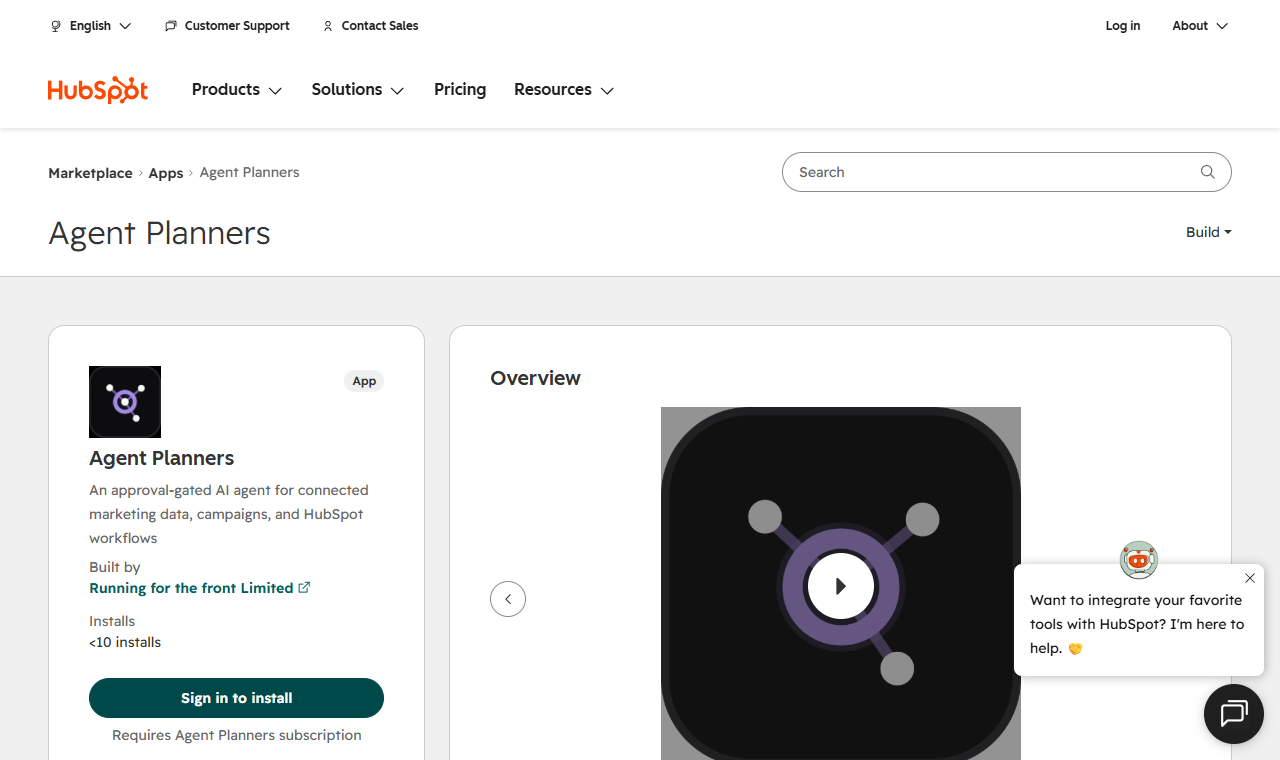
HubSpot: install Agent Planners from the HubSpot App Marketplace
TL;DR
Agent Planners is publicly listed on the HubSpot App Marketplace. It connects per person: each teammate approves it with their own HubSpot user, and every read and write runs with that person's HubSpot permissions. Install from the listing or from Integrations in Agent Planners — both end in the same connection. It works with every Agent Planners plan, the Free plan included.
Before you start
- An Agent Planners workspace — sign up free; the listing names the Free, Lite, Starter, Scale and Agency plans.
- A HubSpot user in the portal you want to connect. HubSpot may ask for a Super Admin, or a user with the Marketplace access permission, to install an app.
- Each teammate who wants the agent to work with HubSpot for them connects their own user — the agent never uses one person's HubSpot access for another.
Install from the HubSpot App Marketplace
- 1Open Agent Planners on the HubSpot App Marketplace and press Sign in to install (or Install when you are already signed in to HubSpot).
- 2Pick the portal and approve the permissions HubSpot lists (see the table below). The required ones are read permissions; the write permissions are optional.
- 3HubSpot sends you to Agent Planners. Sign in, or create a free account, and you land on Finish connecting HubSpot: it names the workspace the connection will join (switch workspaces first if it is the wrong one).
- 4Press Connect HubSpot as you. HubSpot shows its permission screen once more — this time started from Agent Planners, so the connection is bound to you and that workspace — and you return to Integrations with HubSpot connected.
Or connect from Agent Planners
- 1In Agent Planners, open Integrations and press Connect HubSpot as you on the HubSpot card.
- 2Sign in to HubSpot with your own user, pick the portal and approve.
- 3Press Check my permissions on the card to see what HubSpot granted your connection (it only reads).
A portal that was connected the older, workspace-wide way is switched once by an admin or editor (Switch to per-person connection on the card); it keeps its tasks, schedules, alert rules and dashboards.
The permissions it asks for
| Permission | Required? | What it is used for |
|---|---|---|
| crm.objects.contacts.read | Required | Count contacts by source, lifecycle stage and the date they became leads — never listed by name. |
| crm.objects.deals.read | Required | Deals and won revenue by traffic source, stage and pipeline. |
| crm.objects.companies.read | Optional | Read companies and the records linked to a deal. |
| crm.objects.companies.write | Optional | Create and update companies — through the approval step. |
| crm.objects.deals.write | Optional | Create and update deals — a stage or owner change always waits for a person. |
| crm.objects.contacts.write | Optional | Create and update contacts — a person approves every one. |
If HubSpot leaves out an optional permission the connection still succeeds, and those changes stay off. The listing's Shared Data section names the same three objects: contacts, companies and deals.
A first goal to try
Which ad channels produced the deals we actually won last quarter, and what did each won deal cost? The agent reads won deals by their original traffic source in HubSpot, the spend of your connected ad accounts, and reports cost per lead, per deal and per won deal side by side — without adding HubSpot's numbers to the ad platforms' own conversion counts.
Removing it
- Disconnect on the HubSpot card removes your own connection; leaving a workspace removes yours automatically.
- To uninstall the app from the portal: HubSpot → Settings → Integrations → Connected apps.
Frequently asked questions
- Is Agent Planners on the HubSpot App Marketplace?
- Yes — Agent Planners is publicly listed on the HubSpot App Marketplace, at ecosystem.hubspot.com/marketplace/listing/agent-planners.
- Do I need a paid Agent Planners plan?
- No. The listing names the Free, Lite, Starter, Scale and Agency plans; the Free plan includes 2,500 credits a month.
- Why does HubSpot ask for permission twice when I install from the Marketplace?
- The Marketplace install does not know which Agent Planners workspace and person it is for, so Agent Planners never uses it directly. The second approval starts from Agent Planners, which binds the connection to you and the workspace you chose.
- Can the agent change my CRM?
- Only with the optional write permissions, and every change goes through the approval step; contact changes, stage or owner changes and archives always wait for a person. It never emails your contacts.